
Best student laptops under £500 (2026): what's in stock, and what the price tiers get wrong
By Alex Sheridan · Updated 2 October 2026
Links with an * may help pay for UniSorted.

The laptop most students end up with is the one that happened to be on offer the week their maintenance loan cleared. It gets bought in a hurry, somewhere between the new duvet and the kettle, and then it has to survive three or four years of essays, seminars and 2am deadlines. Slowing down for one afternoon is worth it, because the gap between a good budget laptop and a bad one is far wider than the gap between the price tiers.
So I did the boring thing and checked the live price and stock of every laptop I was about to recommend. The clean guide I meant to write, a tidy set of picks under £400, then £500, then £700, did not survive contact with Amazon. Three of the five models were out of stock. The machine I had filed under "stretch to £700" was the cheapest thing on the whole list. The neat price ladder these guides are always built around had come apart, and that turns out to be the useful thing to tell you.
After freshers' week
The At Uni pack is mostly about making the January loan payment last until April, and what to do if it doesn't.
Leave the box empty and you'll just get the PDF. Unsubscribe any time.
What was buyable, and what was not
I first checked this shortlist in late August, then again on 12 September, and once more today, and the moving target made the point better than any fixed list could. In August one machine stood out: an ASUS Vivobook 15 with an OLED screen, a Core i5-13420H and 16GB of RAM, in stock at £399. Cheapest on the list and the best, which only holds for about a week, so I linked it. By 12 September that exact Amazon link had slipped to a weaker 8GB machine at £425.99. Checking again today, it is back to the OLED 16GB i5, in stock, but at £499.99, a hundred pounds above the August price. Same link, three different answers in three weeks, and I did not touch a thing. Amazon did all of the moving.
Here is where the two machines I can still point you to stand today.
| Model | Key spec | Price (16 Sept) | Stock (16 Sept) |
|---|---|---|---|
| ASUS Vivobook 15* | Core i3-1315U, 8GB, 512GB SSD | £425.99 | In stock |
| ASUS Vivobook 15 OLED* | Core i5-13420H, 16GB, 512GB SSD | £499.99 | In stock |
So the 16GB machine that made this list worth writing is back and in stock, just at £499.99 rather than the £399 it wore in August. The 8GB i3 beside it holds at £425.99. That is the honest state today, and it will have moved again by the time you read this. The Acer Aspire 3 and the two Lenovo IdeaPad Slim 3 configurations I flagged in August were all out of stock then, and I have not been able to re-link them since; any could be back and well priced next week. That is why the main student laptops guide tracks what is good and in stock across the year, and the by-course guide covers whether your subject changes the answer, rather than freezing one afternoon.
So what do you buy
If £425 is the ceiling and it has to be new, the in-stock ASUS Vivobook 15* at £425.99 is a sound floor: a Core i3, 8GB and a real 512GB SSD in a light body with a full number pad. 8GB is fine for essays, Office and a sensible stack of tabs, and it chokes the moment you push it, a video call and thirty tabs and your notes all at once. Buy it knowing that is the compromise.
If you want the 16GB of RAM that changes how a machine feels over four years, you have two routes today. New, the OLED Vivobook above will sell it to you at £499.99, which is fair for a 16GB i5 with a decent screen if your budget stretches that far. The other route, and often the smarter one at this money, is refurbished, which I go into properly below.
Buy by spec, not by the price on the sticker
The prices above are a snapshot. The parts are not. Buy on those. Four things decide whether a student laptop is any good, and the money is a distant fifth.
Memory is the one that matters. 16GB of RAM rather than 8GB is the difference you feel every single day for four years: more tabs, a call and your notes open at once without the machine grinding. If your budget stretches to a 16GB machine, that is where it should go, ahead of a faster chip or a nicer lid. Chase the memory. After that, insist on a proper SSD and never accept eMMC storage, stick to a brand you have heard of, Acer, ASUS, Lenovo, HP or Dell, and get a screen you can stand to look at. Everything else on the spec sheet is detail.
The traps to walk past
The cheap end of Amazon is mostly a minefield, and it is the same minefield every year. Ignore the no-brand laptops advertising suspiciously large memory figures. A known brand with 8GB and a real SSD beats an unknown brand with a big spec sheet every time, because on the no-brand machine the corners get cut on the screen, keyboard, hinge and battery instead, the parts no spec sheet lists. Watch for the specific Acer Aspire 3 variant that ships with 128GB of storage, Windows 11 in S Mode and a US keyboard layout. All three are quietly annoying, and none of them show up until the laptop is already on your desk.
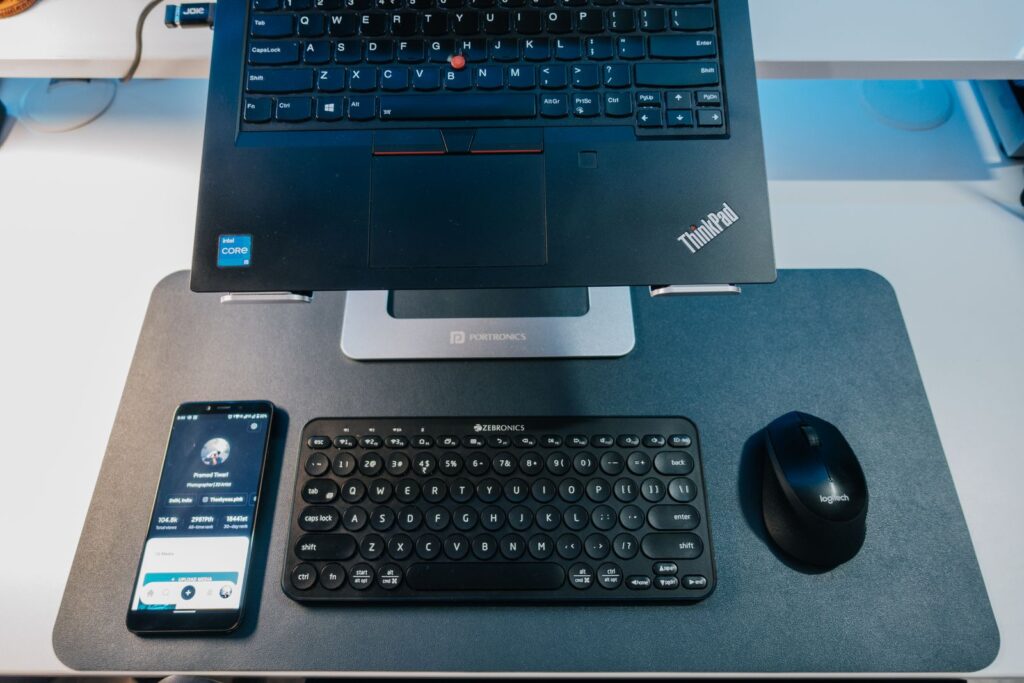
The route most students skip, and probably should not, is refurbished. A refurbished business laptop, a Lenovo ThinkPad or a Dell Latitude, or a renewed MacBook Air M1, often gives you better build and battery at this money than a new budget plastic machine. It means accepting a few scuffs and reading the seller's warranty properly. Prices swing by grade and seller, so it is a category to check live for yourself rather than one model I can hand you.

Where to buy, and how not to overpay
These exact models leapfrog each other across Amazon, Currys, Argos, John Lewis and Very from one week to the next, so the same laptop can be a good bit cheaper somewhere other than where I have linked it. Search the model name on all of them before you buy. Run it through UNiDAYS and Student Beans for a code while you are at it, and do not pay for Microsoft Office under any circumstances, because almost every UK university hands you Microsoft 365 free once you sign in with your student account.
If you can wait until late November, Black Friday usually takes something off these same machines, and nothing about them will have changed. If you cannot wait, the decision is smaller than the twelve open review tabs suggest: buy the cheapest laptop you can find, in stock today, with 16GB of RAM and a real SSD from a brand you know. Check the live price on the day, because the number in any guide, including this one, is already out of date. Then close the tabs.
Jamie writes to people already at uni
When your loan comes in, and what's due before it does. House deposits are the usual one.
You'll also get the At Uni pack as a PDF. Unsubscribe any time.

Ask Alex a question
If this guide didn't cover the thing you came for, ask. If enough people ask the same thing, it becomes a guide.
Read us often? You can add UniSorted as a preferred source on Google.